
Surgical block / Air-Go Asset Manager
Surgical block · MeasureFind any piece of surgical block equipment from your mobile phone
Each asset carries a Bluetooth tag. You type “mobile ventilator” in the app and see where each one is, in the list and on the floor plan.
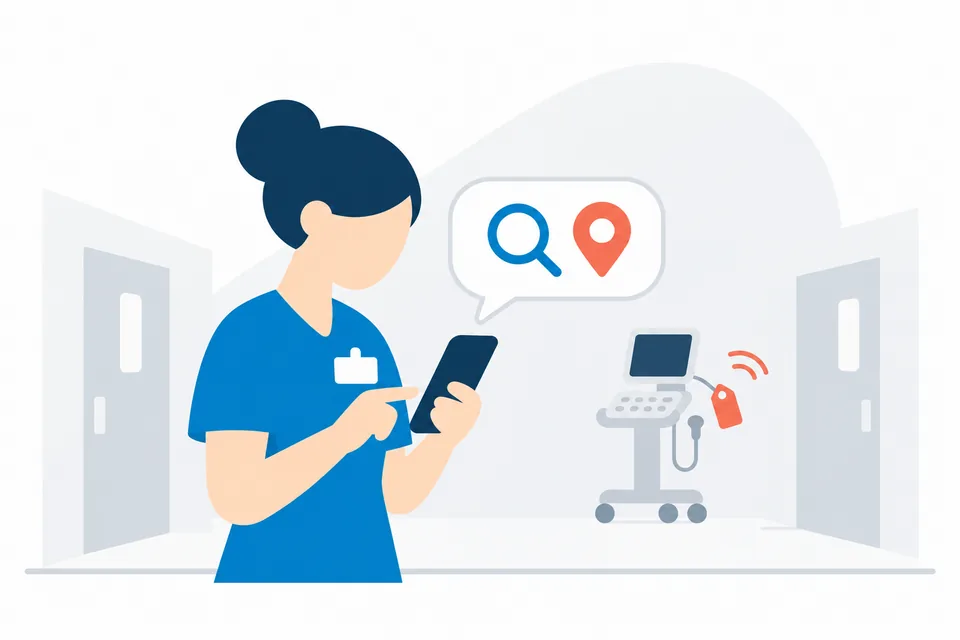
“Has anyone seen the ultrasound scanner?”
Mobile equipment changes room several times a day. Finding it costs walks and phone calls, and equipment that does not turn up in time delays an operation or ends in the purchase of another unit that was not needed.
How it works
Tag each asset
A Bluetooth tag linked to its record in the hospital’s inventory.
Search for it by its description
Type what you need in the app, such as “mobile ventilator” or “ultrasound scanner”.
See it on the floor plan
The app shows which area and which floor each unit is on.
Check its history
Where it has been and when it was last seen.
What you see on screen
Illustrative interface with made-up data.
What is included
Search by description
You do not need to know the equipment code: you search by what it is.
Group by type, department or floor
To see at a glance how many there are and where they are.
Floor plan for each floor
Each asset on the floor plan of the surgical block, with its current area.
Last location and history
Where it is now and which areas it has passed through.
Tags with an alarm
Long-life battery and an alert if someone tries to pull them off.
Linked to the inventory
Each tag corresponds to an asset in the inventory of the surgical area.
What each role gets
Nursing supervisors
- You find the equipment without walking round the surgical block.
- You know what is available before you start.
- Fewer phone calls asking about equipment.
Management
- Actual use of each piece of equipment before buying another.
- Fewer delays caused by equipment that does not turn up.
- Inventory with up-to-date locations.
CIO and IT
- Shares antennas and server with Air-Go RTLS.
- Linked to the hospital’s asset inventory.
- Web application for staff mobile phones.
Frequently asked questions
- What is Air-Go Asset Manager?
- It is Air-Go’s application for locating the assets of the surgical block. Each piece of equipment carries a Bluetooth tag and staff find it from their mobile phone by searching for its description, for example “mobile ventilator”.
- Do you need to install another network of antennas?
- No. It uses the same location infrastructure as Air-Go RTLS.
- Which equipment can be located?
- Any asset a tag can be attached to: ventilators, ultrasound scanners, portable X-ray machines or surgical supplies. The tags raise an alert if someone tries to pull them off.
Integration and privacy
- It uses the same location infrastructure as Air-Go RTLS: there is no need to install another network.
- Designed for critical, mobile equipment: ventilators, ultrasound scanners, portable X-ray machines or surgical supplies.
Other solutions
Shall we look at it with your data and your spaces?
Tell us what you want to solve and we will prepare a tailored demonstration.